


Turn raw footage into an Instagram reel
AutoReel drops into Premiere Pro and runs every stage of the edit u have to do but don't want to: delete bad takes, silence removal, color grading, captions, and SFX
After
Before
Drag to compare
Quick demo
Here's a 1 minute demo.
(it's that simple)
Every step of the edit,
done with AI.
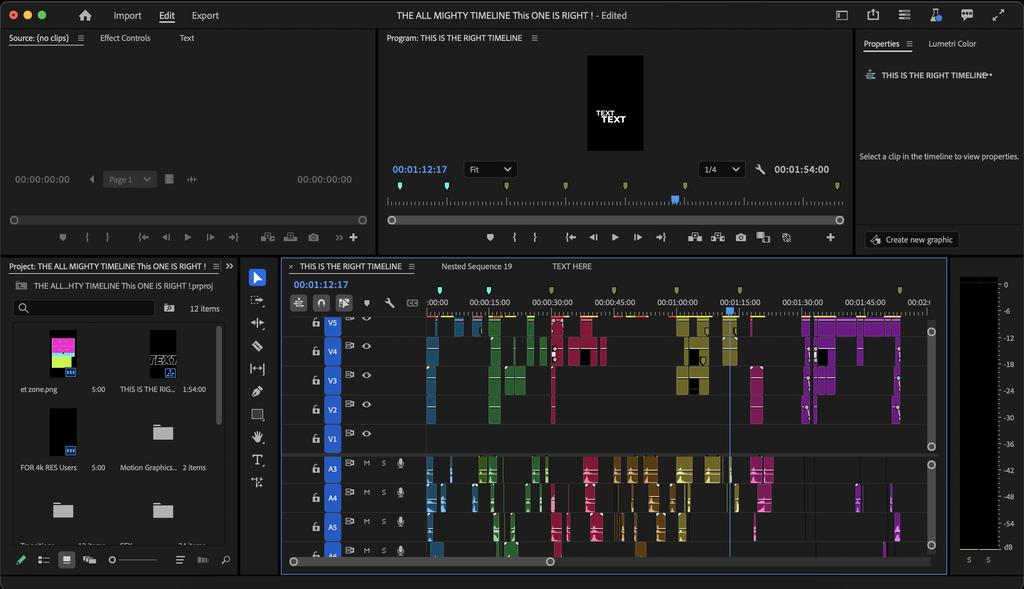
AutoReel lives inside PremierePro to handle all 6 editing stages
As simple as...
1
Drag
Put footage in Premiere Pro.
→
2
Customize
Pick your editing preferences.
→
3
Generate
Wait ~1 minute.
→
4
Review & done.
Make tiny tweaks, then export.
90% cheaper than editors.
100 hours back every month.
(finally save up for that watch)
| Editing Yourself | Freelance Editor | AutoReel | |
|---|---|---|---|
| Cost per video | Your time | $50 | $1 |
| Turnaround | 2–4 hours | 1–3 days | ~1 minute |
| 50 videos/month | ~150 hours | $2,500 | $49 |
| Works in Premiere Pro | ✓ | ✗ | ✓ |
| Your style, every time | Depends on mood | Depends on editor | ✓ |
Editing Yourself
Cost per videoYour time
Turnaround2–4 hours
50 videos/month~150 hours
Works in Premiere✓
Consistent styleDepends on mood
Freelance Editor
Cost per video$50
Turnaround1–3 days
50 videos/month$2,500
Works in Premiere✗
Consistent styleDepends on editor
AutoReel
Cost per video$1
Turnaround~1 minute
50 videos/month$49
Works in Premiere✓
Consistent style✓
Open Beta EXCLUSIVE
Open Beta AutoReel
Choose your plan and lock in Open Beta deal
OFFER 1 • Open Beta
MONTHLY
$49/month
2 MONTHS FOR THE PRICE OF 1
You pay today
$49
Next month
$0
Then $49/month after that
OR
OFFER 2 • Open Beta
YEARLY
$199/year
50% OFF FIRST YEAR OF YEARLY PLAN
You pay today
$199
Billed once a year
That's only $16.58/month
$399/year
YEARLY →
- ✓ 50 video generations per month
- ✓ Saves hours on every reel vs cutting by hand
- ✓ Best-take cleanup · silence cut · captions · color
- ✓ Transitions · SFX · music · hooks
Secure checkout · Cancel anytime
Open beta pricing only available for a limited time
FAQ
Questions worth answering.
Does AutoReel work with my version of Premiere Pro?
Yes. Any version from 22.x (2022) onward. AutoReel is a CEP extension that installs into the same panel folder as Premiere's built-in Transcript and Essential Graphics panels. macOS and Windows.
Monthly or Yearly: which should I pick?
Monthly ($49/mo) gives 50 video generations per month, resetting on the 1st. Yearly ($399/yr) gives 1,000 video generations for the year as one pool. More total, and you save $200 vs paying monthly. Every feature is included on both. Cancel anytime from inside AutoReel — open the panel and click Manage subscription.
How does the $1 trial work?
You pay $1 today at checkout, install AutoReel, and sign in with that email. Run up to 3 video generations over the next 3 days. After day 3 your plan begins at $49/mo or $399/yr. Cancel anytime before then and you won't be charged again. The $1 just confirms a real card so we can keep the trial open to everyone.
Does AutoReel work in other languages?
yes!! AutoReel auto-detects your spoken language on upload (or you can set it manually).
What happens to my footage? Do you upload it anywhere?
Your video file stays on your computer. Only a small audio sample is sent so we can understand what you said. Your full video is never uploaded. Everything else (cuts, color, captions, sound) runs inside Premiere.
Is one purchase good for both Mac and Windows?
Yes. The license is per-person, with a 3-device limit. Install on your laptop and your edit station.
Can I cancel anytime?
Yes. Open AutoReel in Premiere, click Manage subscription, and cancel in one click. No call, no email, no retention dance.
How do I install it after I buy?
Download the .zxp from the welcome email we send right after checkout. Install with the free aescripts ZXP Installer, restart Premiere, open Window → Extensions → AutoReel, and sign in with the same email you used at checkout.
What if I don't like it?
Cancel before day 3 of your trial and the only thing you've paid is the $1. After that, cancel Monthly or Yearly anytime before the next billing date, one click in your account.
Some of the reviews shown are from related products the merchant grouped with this one.
N
The all pack is 🔥🔥🔥. I’m glad I sat down and really went through it because I can already tell I’m gonna get a lot of use out of it. Keep going bro, I love what you’re building! 🐐🤝🏾
A
Absolutely love this preset pack! The presets are high-quality, versatile, and incredibly easy to use. They instantly give my work a polished, professional look while still leaving plenty of room for customization. Whether you’re just starting out or already experienced, this pack is a fantastic addition to your creative toolkit. Highly recommended!
D
The Caption Pack saves me very much time
c
New to premier pro and already cooked with it.
H
Yeah it's to use ang the templates was sooo cooll
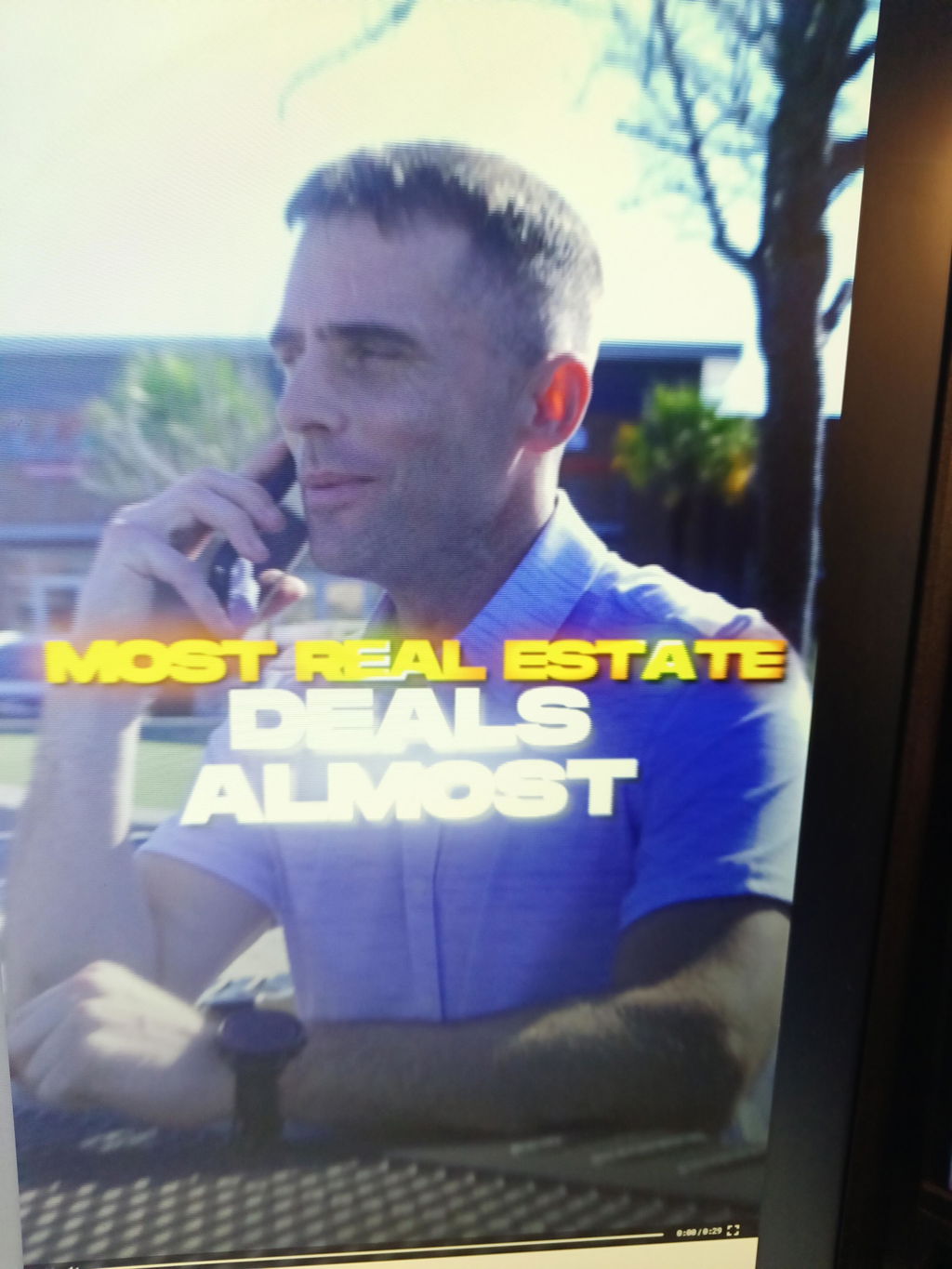
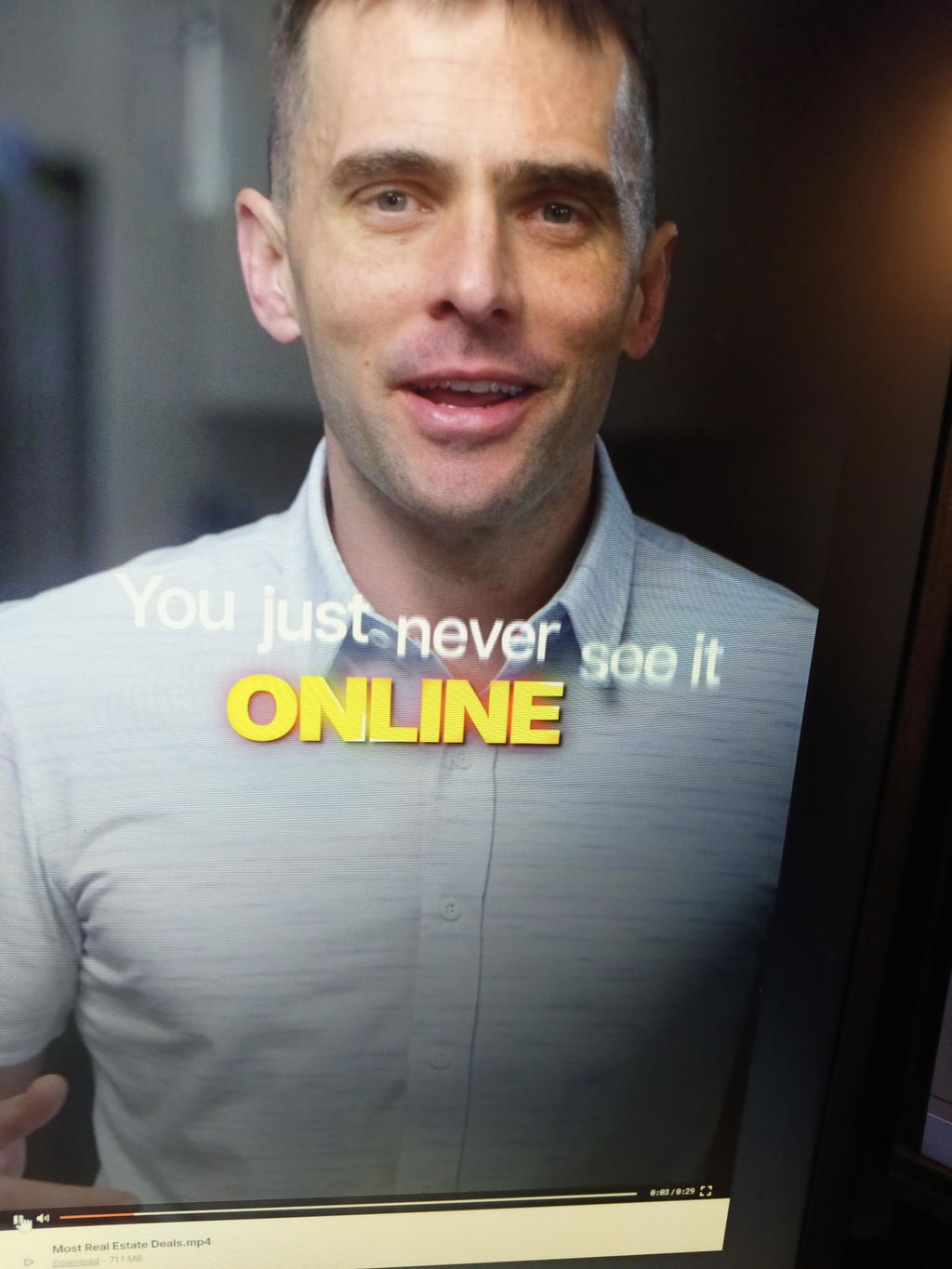
J
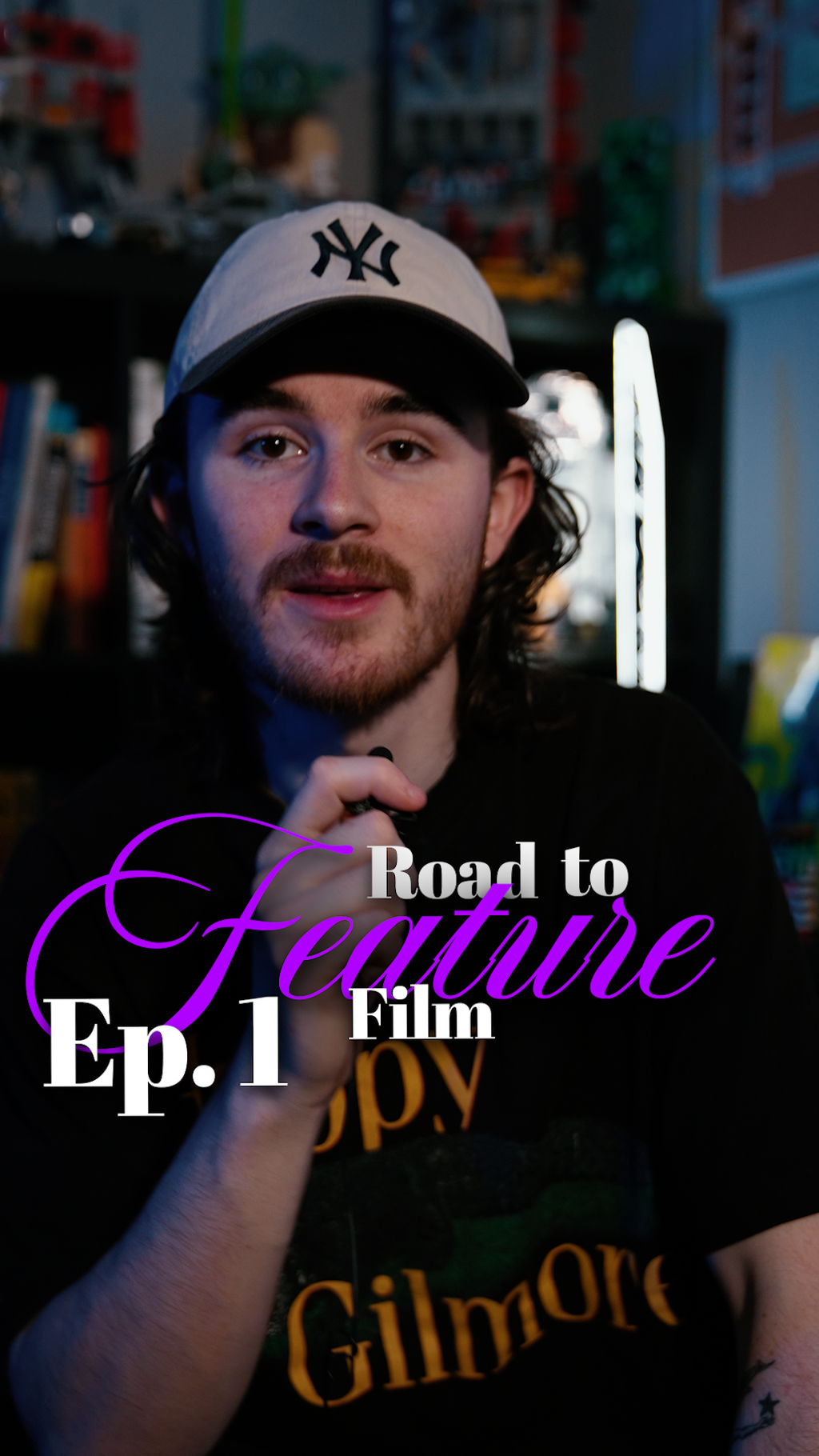
Really good all around pack, the presets and everything are super clean. I used the stuff in the pack to make a video and it turned out great + it took me about an hour to edit first time using the pack. For anyone that is curious to see the result I posted the video below
If you liked the edit and are looking for an editor with this style feel free to contact me https://x.com/argybtw
B
The bundle is fantastic and super easy to use. Am currently testing different variations to see what grabs the most engagement. At this point in time I will be back to purchase more.
L
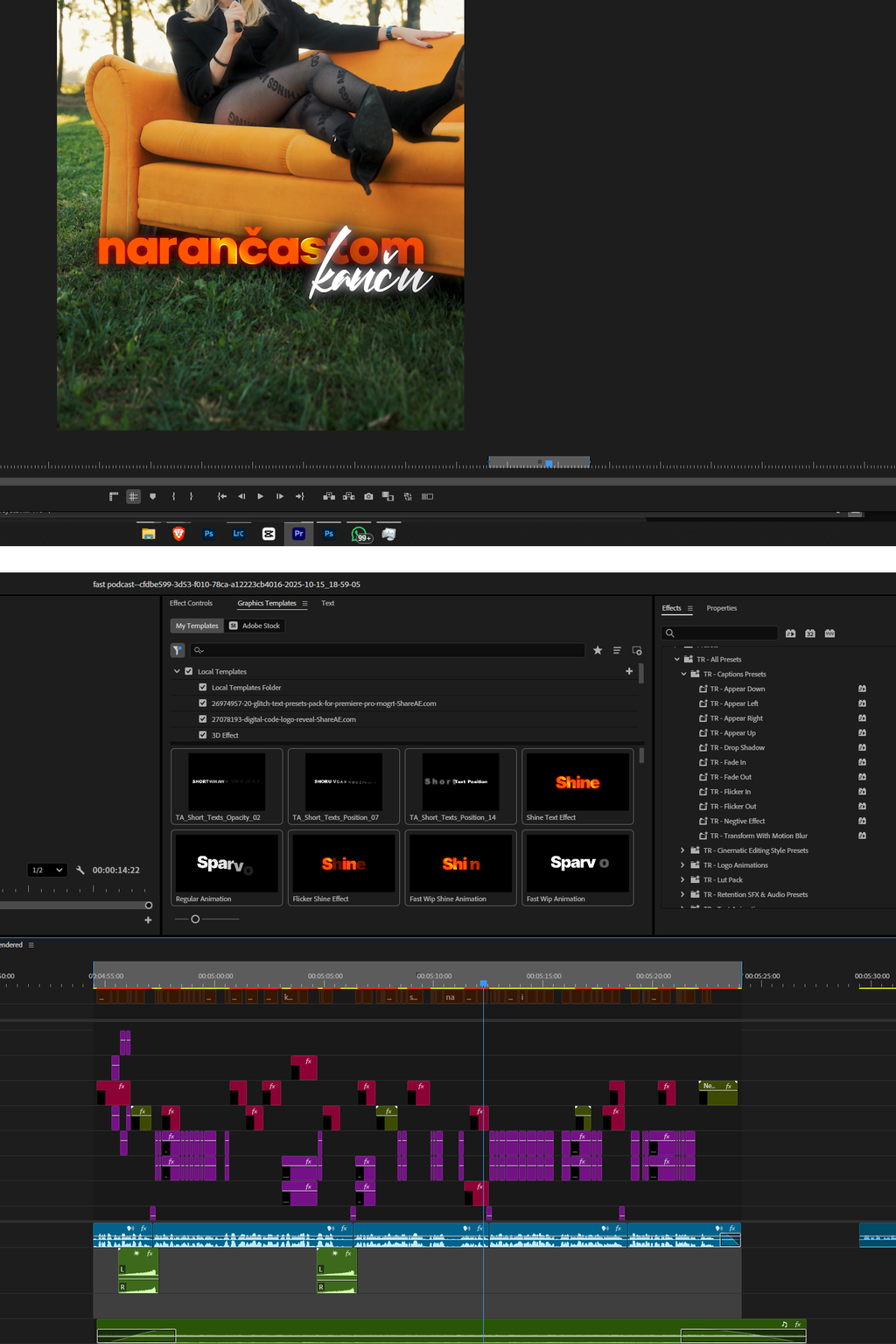
Excellent set of tools... Easy to use, time-saving, and delivers professional results. Great work! Thank you Torsten
I
I purchased all the packs, and they’ve been a game-changer for my work, they make everything so seamless! I absolutely love them. However, I feel in SFX and Logo pack there could be more presets. On the bright side, Torsten mentioned that updates to the packs are coming soon, which is exciting.
The customer support is top-notch, and overall, I’m really impressed.
I absolutely love it! This is EditingTorsten, the CEO of Sparvol. I want to thank you for your review and I'm thrilled to hear that you love our product. We will have updates in the future, so stay tuned!
Thank you once again,
EditingTorsten
(Sparvol)
M
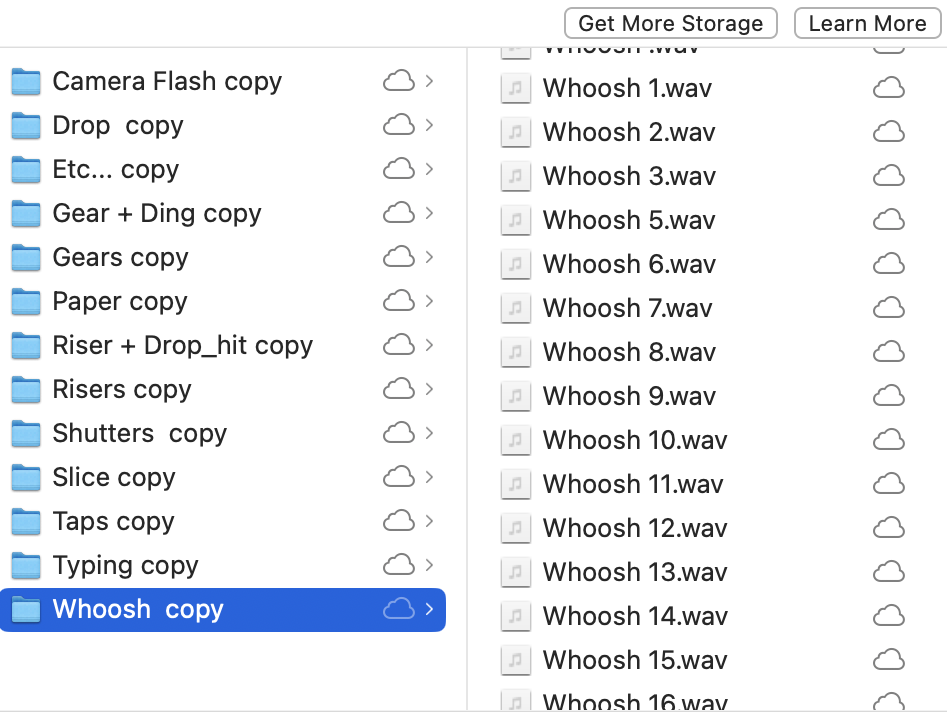
SFX Pack is 10/10 Organized and efficient - Everything named correctly in it's propper folder with Sounds i had never heard before!
Appreciate it Mark! i love them just as well 🔥
A
Even though I already had my own editing workflow, AutoReel made it so much smoother. I used to spend so much time rough cutting my videos myself. Now I just pull up AR, and use my preset to do the rough cut and bad takes. My ONLY job now is to make the video look sick and flow well, which is what an editor is supposed to do... So glad this exists.
A
I didn't expect Pilot to be much. thought it would be confusing and just something small. But it is so much more than I thought. Bro I usually feel stupid looking for effects. Premiere makes it so clunky and I just lose my flow state. Now I press space bar and just type "zoom" and add it. I type "adj" and add an adjustment layer. I don't even have to drag it, I just click it and it appears where I already am. So cool man. Dope product, better than expected.
A
amazing presets
A
So far not bad, but I need to explore more
S
AutoReel is actually insane. I used to waste so much time editing reels manually, but this plugin makes everything way faster and cleaner. It feels like it does the annoying editing work for me in seconds. Super easy to use, smooth, and genuinely one of the best Premiere Pro tools I’ve tried. If you edit short-form content, this is 100% worth it.
J
the best tool for quick edits!
A
I don’t think about it just buy it and cook
E
Sick!
E
Get it!!
A
Great caption presets!! Easy to use and make a big difference in videos :)
R
It was surprising as the presets are really good . Hopefully there are more updates or other sick fx packs like this which will help me in my workflow 🙏🔥
a
You saved me, The files are really useful and have been transferred My level to next level in video editing i really like it and very helpful ❤️
N
Great resource to level up your edits!
M
This is taking me to the next level as an editor. So pleased with the pack and what was taught in the course.
K
Great tool for improving the opening graphics in your short form media. Completely customisable and well put together
A
Good caption FX
A
Awesome
A
Amazing products a genuine energy from him. Worth every penny.